
Side project
Mac app for Vercel and Render
Deploy Center
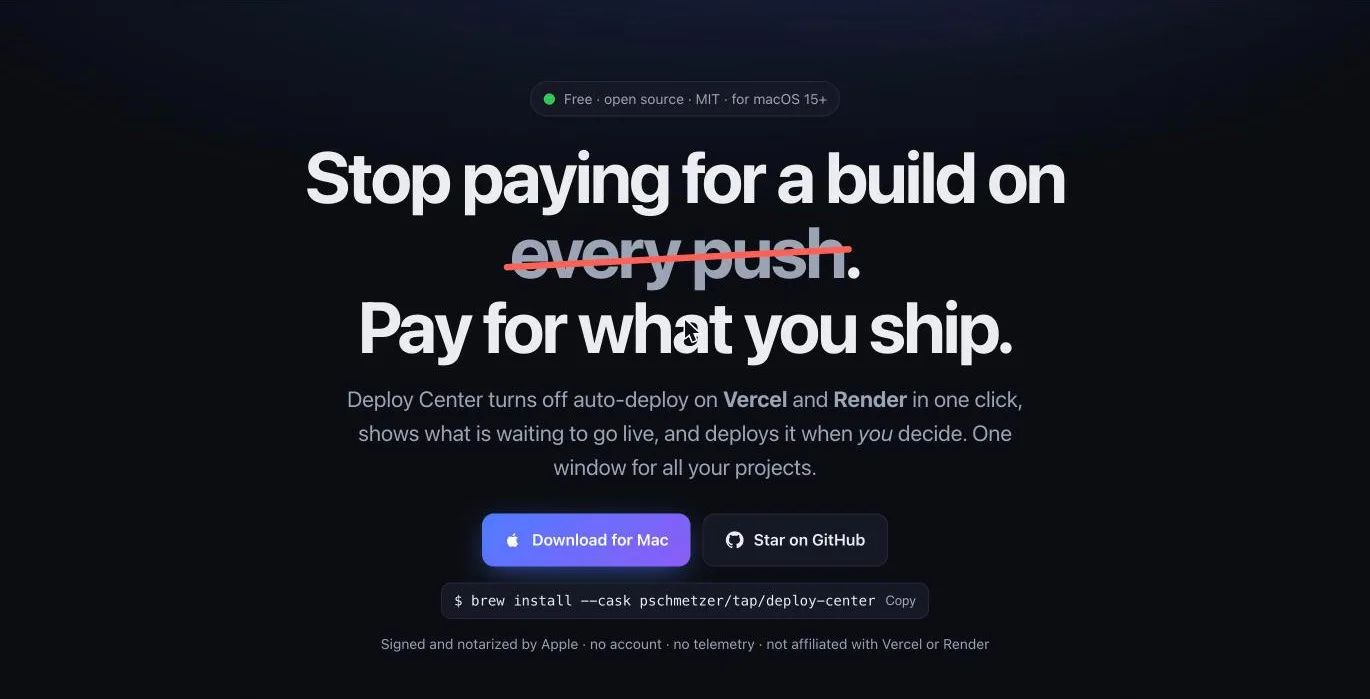
A free Mac app that turns off auto-deploy on Vercel and Render in one click, shows what is waiting to go live, and deploys it when you decide
Who it's for: Developers with many projects who pay for a build on every push and would rather ship once at the end of the day.
- to turn off auto-deploy
- 1 click
- platforms: Vercel and Render
- 2
- and no telemetry
- No account
- free and open source
- MIT
What Deploy Center does
Stop the builds
Auto-deploy off
One click for every project. On Vercel the Git connection is removed and the repository remembered. On Render auto-deploy is set to Off.
What is waiting
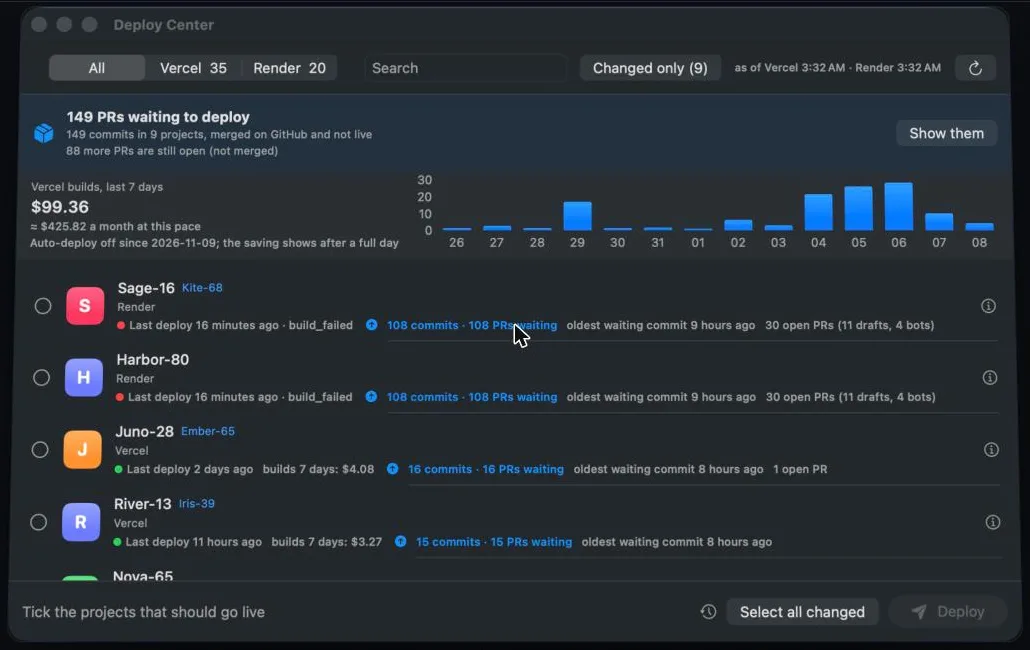
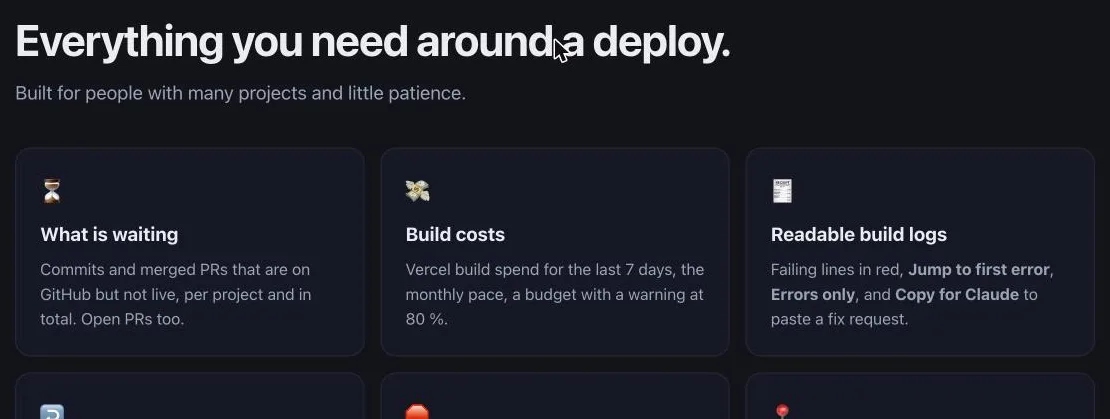
Commits and merged pull requests that are on GitHub but not live, per project and in total, with open pull requests beside them.
Build costs
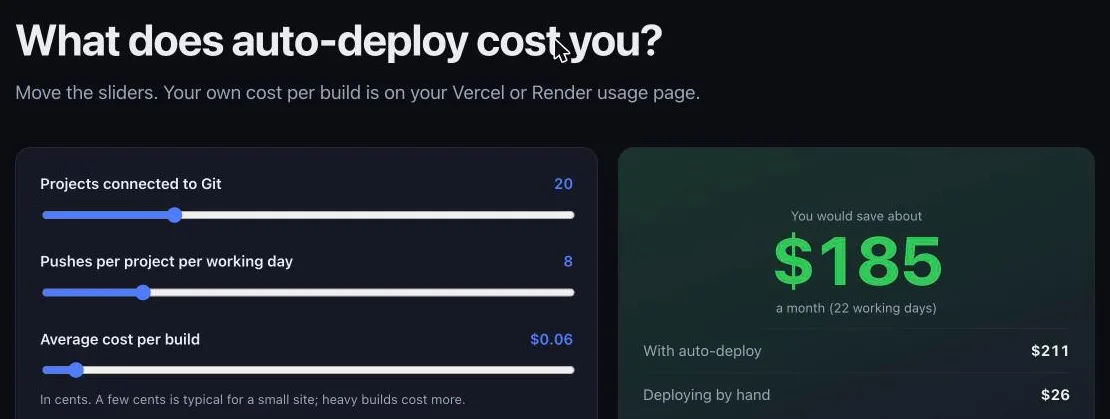
Vercel build spend for the last seven days, the monthly pace, and a budget with a warning at 80 percent.
Shipping
Deploy when you decide
Select all changed, then Deploy. The app ships the newest commit and follows each deploy until it is live or failed.
A second to change your mind
A short wait before a deploy starts, with a cancel button, and Stop all in the footer. No accidental ships.
Site check
After a deploy the app opens your page, or its health route, and tells you whether it really answers.
When something fails
Readable build logs
Failing lines in red, a jump to the first error, an errors-only view, and a copy button that writes a fix request.
Preview and rollback
Preview deploys and a rollback to the previous live deploy on Vercel, from the right-click menu.
Menu bar
The number of pull requests waiting, building and failed states, and a notification when a deploy ends in the background.
Scripts and privacy
The same in the terminal
Everything the app does, the deploys command does in a terminal, on a server, or in CI, with JSON output for scripts.
Demo mode
Replaces project names and domains, so you can share a screenshot without sharing your clients.
Your own logins
The Vercel CLI login, a Render key in the macOS keychain, and optionally the GitHub CLI. Nothing goes through a server of ours.
How it works
Connect
Vercel uses your CLI login. Render takes an API key kept in your keychain. GitHub is optional.
Turn auto-deploy off
One click for every project, so a push no longer starts a paid build.
See what is waiting
Commits and merged pull requests that are on GitHub but not yet live.
Deploy when you want
Select all changed and press Deploy. The app follows each deploy to the end.
A closer look
Questions about Deploy Center
Is it really free?
Yes. It is open source under the MIT license, for macOS 15 and newer, and it is signed and notarized by Apple.
Does my data go anywhere?
No. There is no account and no telemetry, and the app uses your own logins instead of a server of ours.
What do I lose without auto-deploy?
Automatic deploys on every push. You gain a single place that shows what is waiting and ships it on your say.
Is it from Vercel or Render?
No. Deploy Center is independent and not affiliated with either of them.
Want to see Deploy Center at work?
Start on deploycenter.app, or talk to us about what it could do for your team.