
Floor 7
Private BetaWorkforce OS
Kadrana
Hiring, tasks, shifts, check-ups, reports, pay and chat — one system for admins and talents, instead of six tools that never agree
Who it's for: For agencies, operations and distributed teams — organizations that run their work through a changing roster of people.
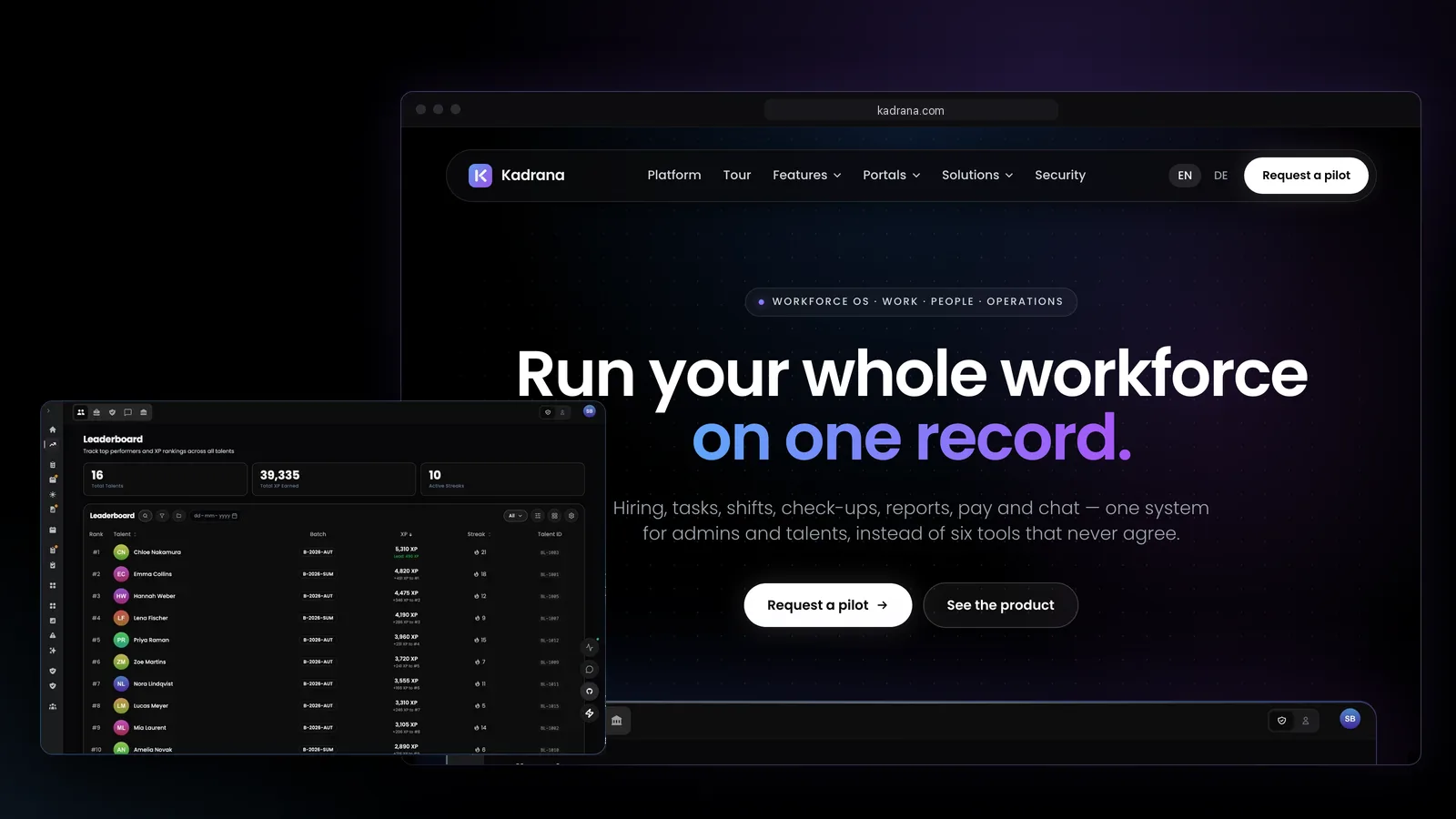
- portals: workspaces, operations, talent, hiring, communication and admin
- 6
- record for hiring, tasks, shifts, reports and pay
- 1
- check-in interval, set per organization
- 1–12 h
What Kadrana does
Work
Tasks and reviews
Every task carries a brief, requirements, a reviewer, a deadline and XP — assigned to a person, a group or an open pool, and reissued on a schedule from templates.
Daily check-ups
Each person commits the day's deliverables in the morning and reports against them in the evening; a reviewer approves or flags each one.
Shifts and shift reports
A weekly shift planner per talent shows coverage, and every shift report is checked against the hours time tracking recorded.
People
Careers page and hiring pipeline
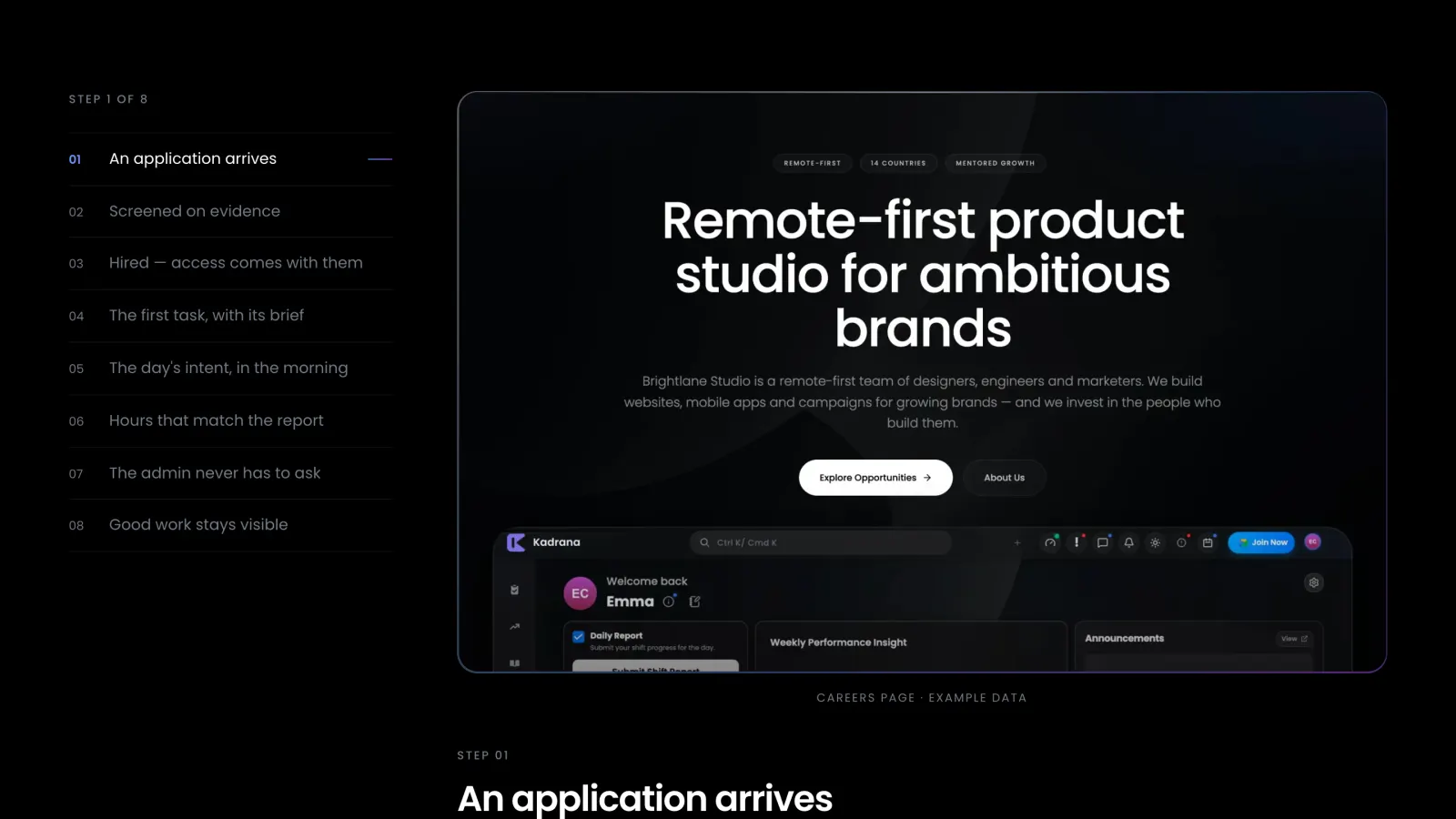
Applicants apply on a branded careers page without an account and move through your own screening stages, with AI résumé parsing.
Onboarding, time off and documents
Role, projects and chat rooms are granted with the hire; leave, documents with expiry dates and each talent's payment history live on the same record.
Learning, XP and leaderboards
Courses track progress per person, and good work earns XP, levels, badges and a place on the monthly leaderboard.
Operations
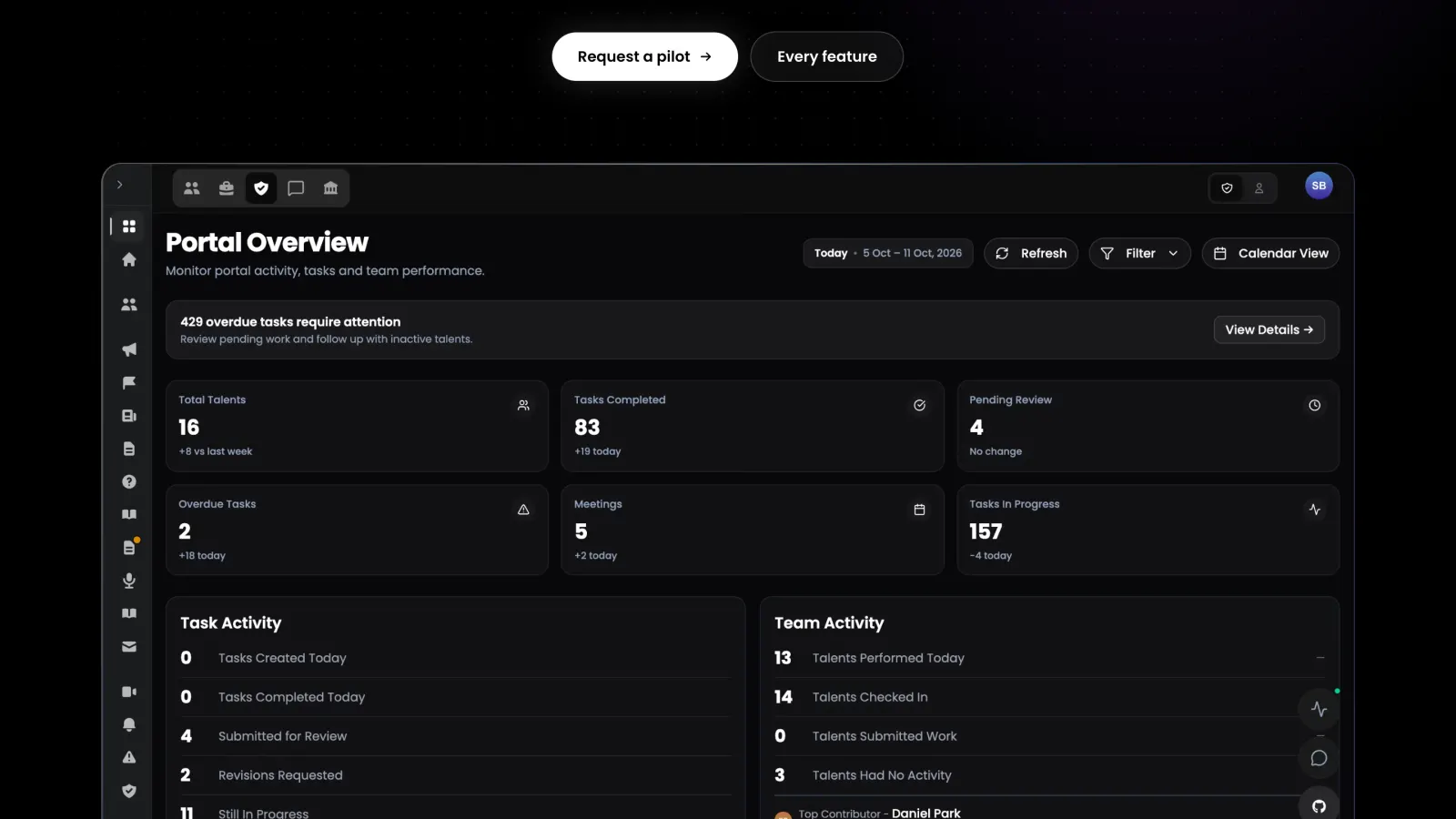
Operations overview
Live KPIs for today, 7 and 30 days and an at-risk list — every number opens the records behind it.
Messenger and meetings
Direct, group and voice chat, plus meetings with calendar and Google Meet links, attendance, summaries and transcription.
Roles and access
Permissions by module, feature and action, portal access per group and time window, masked fields and an immutable audit trail.
How it works
Apply
A candidate applies through your careers page and is screened in your own stages.
Hire
Accepting them creates the team member, and access arrives with the hire.
Work
They work tasks with a brief, set the day's intent at a check-up and file a shift report checked against tracked hours.
See it
Admins read the overview computed from that work, and good work earns XP and leaderboard places.
A closer look
Questions about Kadrana
Do we have to replace our tools?
No. A pilot starts with one area and runs alongside what you use today, and attendance can stay synced from Jibble.
Can it be adapted to how we work?
Yes. Roles, sidebar tabs, review rules, check-up and report forms, XP and score weights are set per organization, not coded.
Where does AI come in?
Weekly summaries, résumé parsing, media transcription and explanations of performance scores — each one reviewable by a person.
What does a pilot need?
One internal owner, the team or workflow you want to start with, input for the setup, and feedback while it runs.
Ready to see Kadrana at work?
Access is by invitation for now. Tell us about your team, and we will come back to you personally.
Back at the lift
Where to next?
The doors are open. Every floor of the tower is one press away, and the lobby at the bottom.