
Floor 5
In DevelopmentAI Persona Studio
Perch Studio
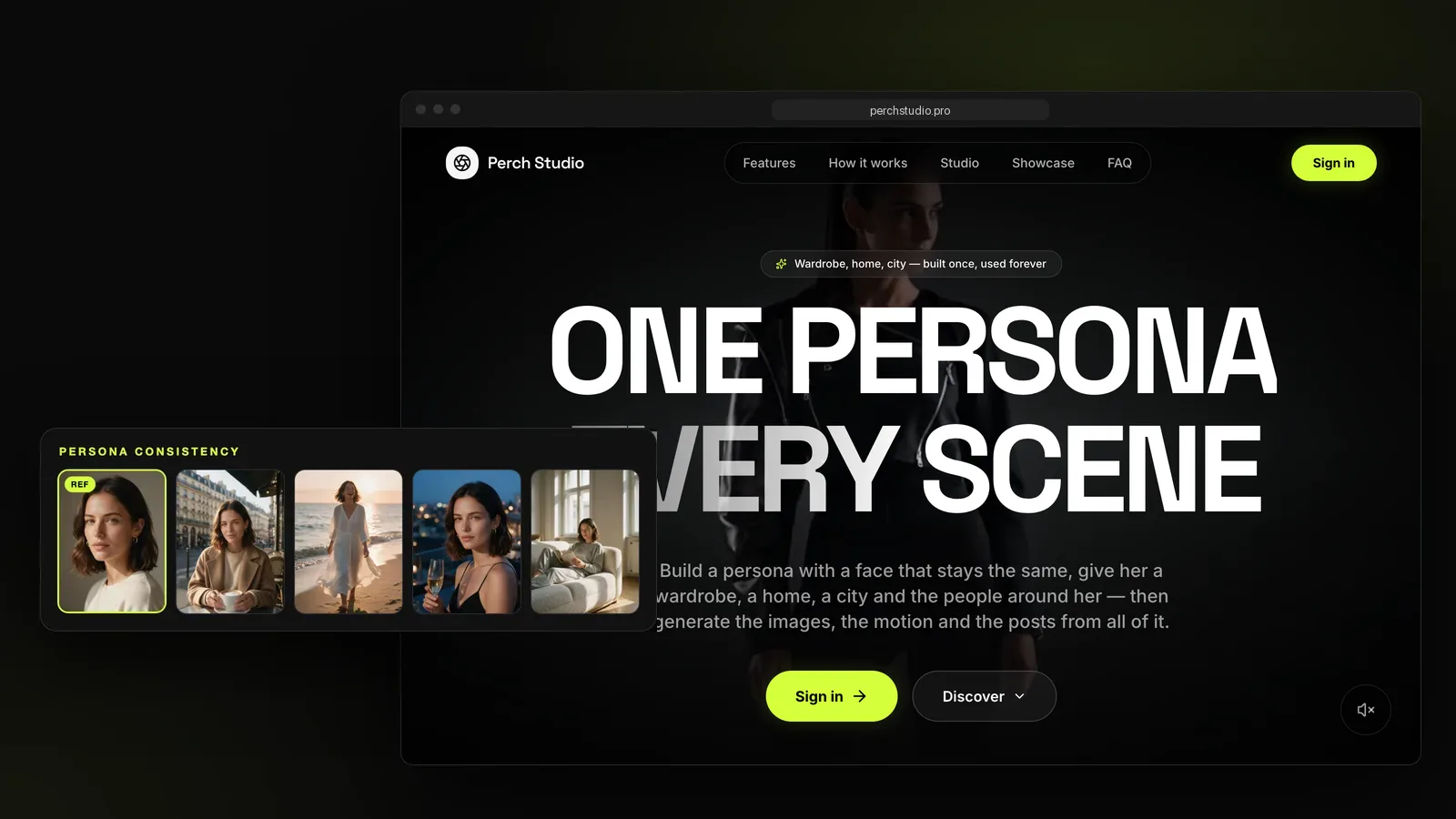
One persona, every scene — an AI studio that keeps a persona's face, wardrobe, home and city consistent across every image, video and caption
Who it's for: For teams that run virtual personas and the content around them — agencies, studios and creators who publish regularly.
- libraries: personas, wardrobe, homes, locations and connections
- 5
- studio tools
- 6
- image and video models
- 7
- languages: English and German
- 2
What Perch Studio does
The persona's world
Personas
Build a face the studio learns from appearance, capture profile, poses and expressions, with identity references that keep it from drifting.
Wardrobe and homes
Outfits shot so cut, material and color can be rebuilt, and the persona's home set up room by room.
Locations and connections
Cities, areas and venues with their light, plus the friends, family, partners and pets who keep their own faces.
Creation
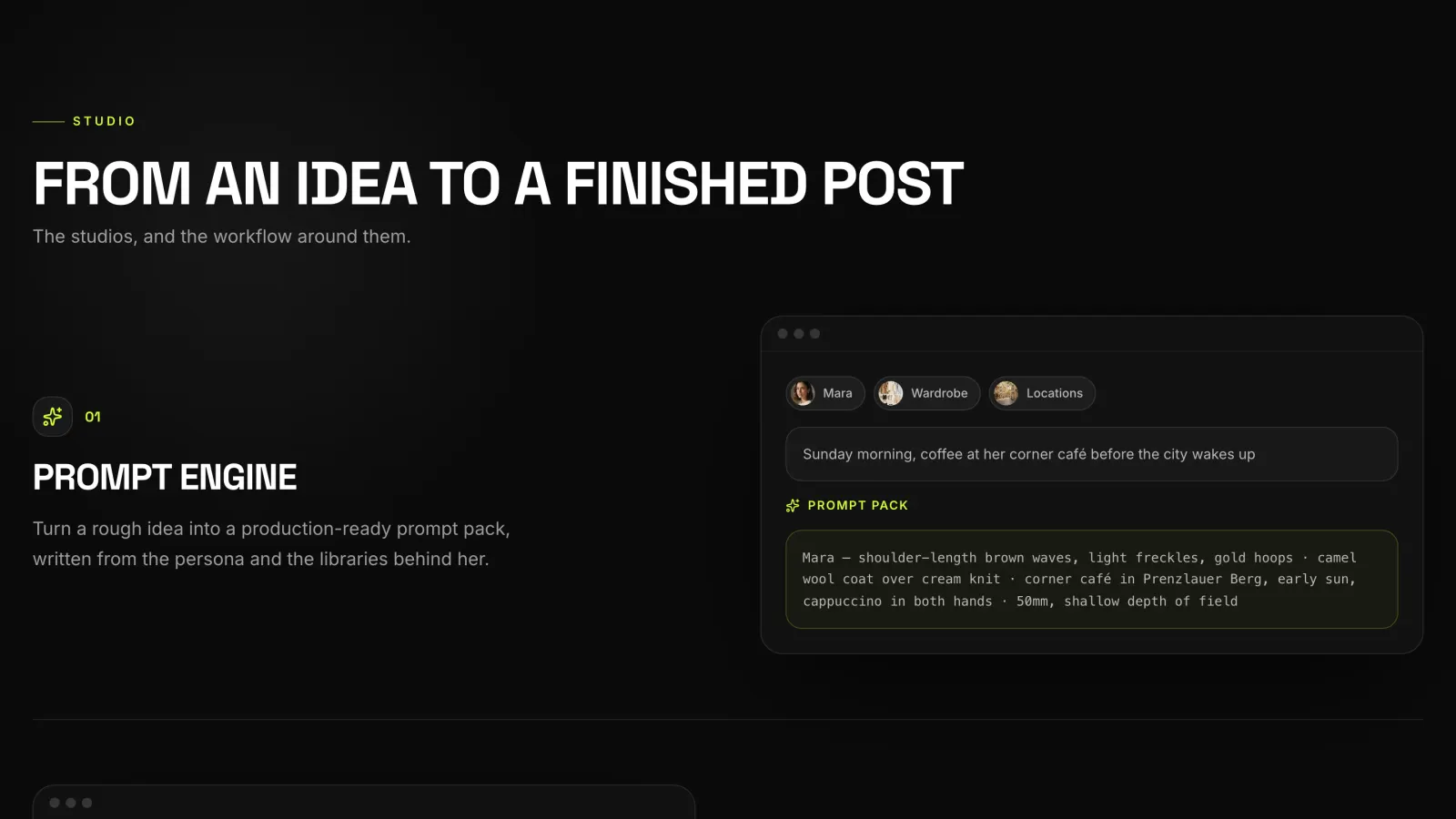
Prompt engine
Turn a rough idea into a ready prompt pack, written from the persona and her libraries.
Image and video studios
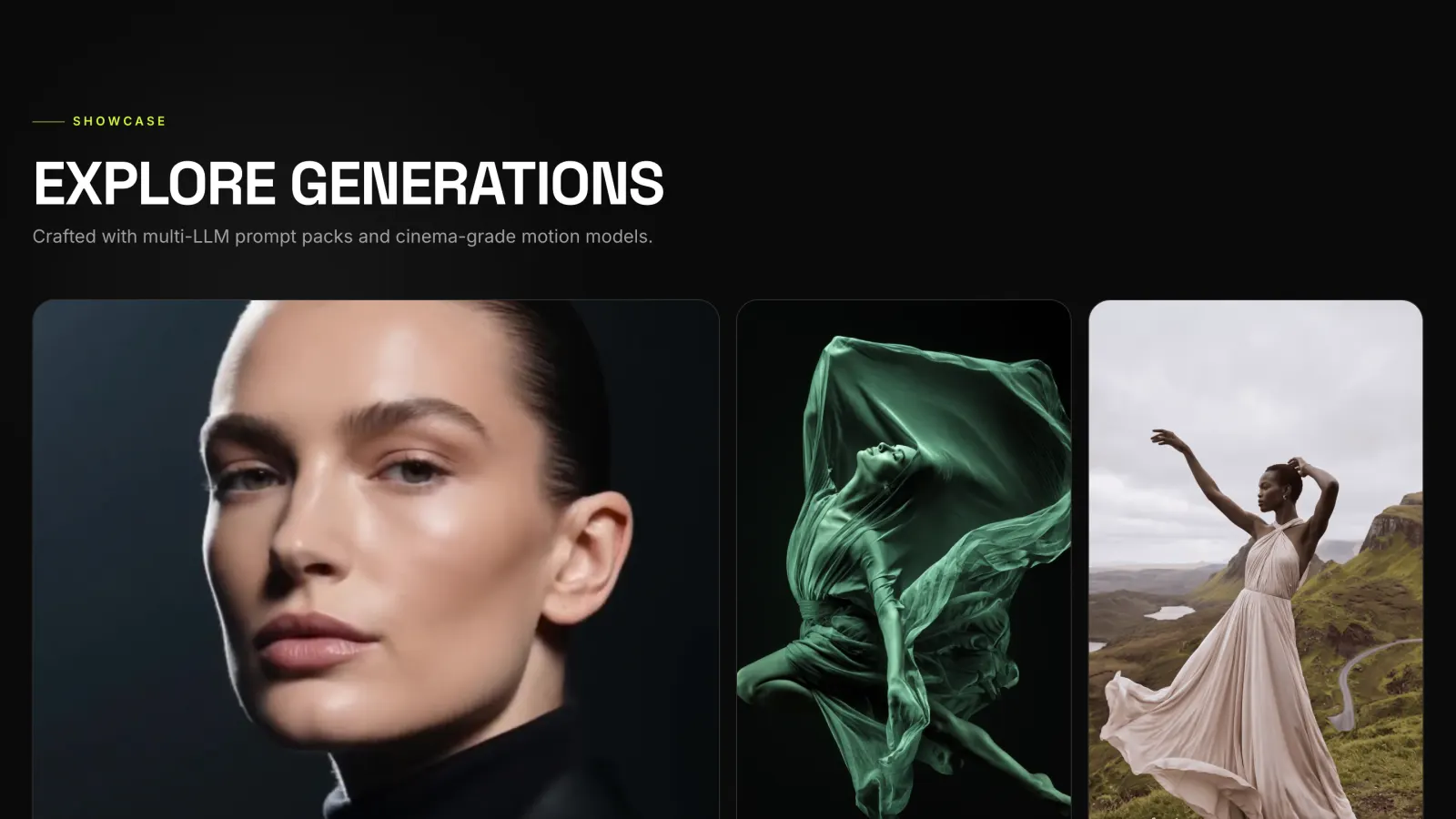
Photorealistic stills across several models, with persona, outfit and place already in the prompt — then animate a still or direct a shot.
Caption engine
Set once how the persona writes on social media, and every caption follows it.
Team and publishing
Review center
The team approves, rejects and leaves notes on each image.
Content planner
Plan weeks ahead, generate only what is still missing, and publish once it is approved.
Workspace API
Owners create read-only keys to hand personas and approved assets to other tools — Perchcast reads its media this way.
How it works
Build the persona
Set up her appearance, capture profile, poses and expressions.
Fill in her world
Add wardrobe, home, city, possessions and people — each one a library of references.
Produce and publish
Create prompt packs, stills, motion and captions, then send them through review and into the planner.
A closer look
Questions about Perch Studio
How does a persona keep the same face?
Every generation is built from her references — photos, capture profile, poses and expressions — not from a description alone.
Which models are used?
Seven image and video models from several providers side by side, among them Seedream, Kling, Runway, Nano Banana and WAN — you choose per shot.
Can a team work together?
Yes. One person generates, another approves in the review queue, and the planner shows what is scheduled and what is missing.
How do I get access?
From the sign-in page whenever registration is open, or by invitation to a workspace.
Ready to see Perch Studio at work?
Access is by invitation for now. Tell us about your team, and we will come back to you personally.
Back at the lift
Where to next?
The doors are open. Every floor of the tower is one press away, and the lobby at the bottom.